You might be quick to dismiss the notification on your phone offering to install a software update overnight. It’s common to tap “Remind Me Later” and keep scrolling or responding to texts. You might even justify it by telling yourself you’ll do it next week when life is less busy.
But delaying security updates on your software or firmware can leave identified weaknesses unpatched. Once those weaknesses are publicly documented, cybercriminals can look for devices that haven’t been updated.
At CDF Capital, we believe wise digital stewardship is part of protecting what God has entrusted to you. Keeping your devices current is one of the simplest ways to practice it.
What Is Software and Firmware?
Software is the collection of programs that run on your devices. That includes the operating system on your phone or laptop, such as iOS, Android, Windows, or macOS, as well as your web browser and the apps you use for banking, email, and other everyday tasks.
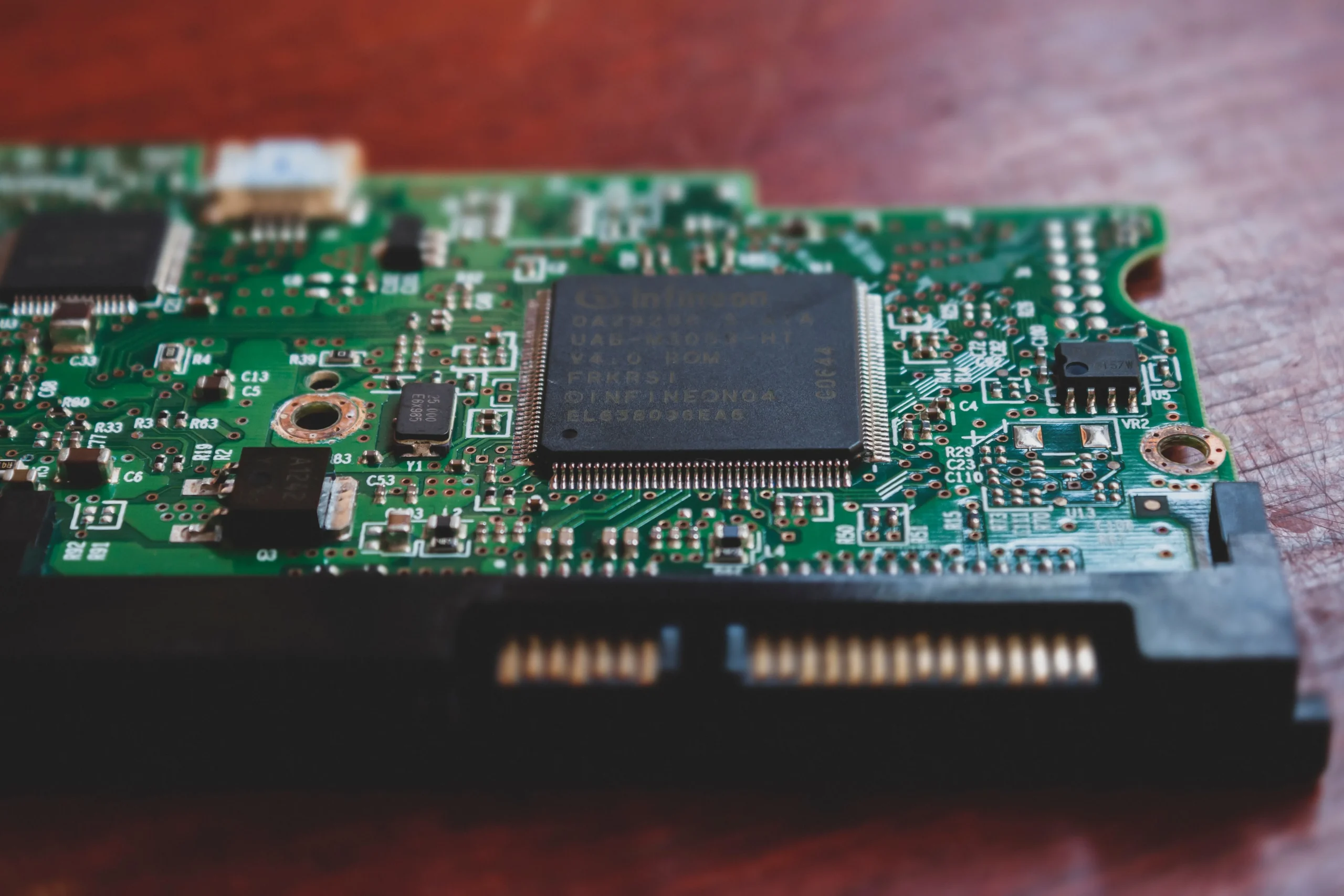
Firmware is software on a device that controls how its hardware operates. Your Wi-Fi router, printer, smart TV, and home security cameras all rely on it. Because firmware runs quietly in the background, it can be easy to overlook.
How Outdated Software and Firmware Put You at Risk
Cybercriminals can use automated tools to identify internet-connected devices with known vulnerabilities. When they find one, they may exploit that weakness to install malware, steal login information, or gain unauthorized access.
“A compromised router is especially serious because everything on your home network passes through it,” explains Rob Bedley, CDF Capital’s Director of Technology Services. “If you’ve never updated your router’s firmware or it has been a while, you may be leaving your network vulnerable.”
Where to Begin Updating Your Devices
Every device is a little different, so use these guidelines as a loose framework.
iPhone and iPad: Go to Settings > General > Software Update and turn on Automatic Updates.
Android: Go to Settings > System > Software Update. The exact path varies by manufacturer.
Windows: Open Settings > Windows Update.
Mac: Open System Settings > General > Software Update.
Apps and browsers: Turn on automatic updates whenever available, especially for security software, banking apps, and other apps that handle personal information.
Router: Use the manufacturer’s app or admin page to look for a firmware update.
Be cautious of update prompts that unexpectedly appear on website pop-ups or in emails and texts. Instead of clicking the prompt, open your device settings, app store, software program, or manufacturer’s official website and check for the update there.
How Often Should You Update?
When you are notified that a security update is available, install it as soon as possible instead of putting it off for another day. And turn on automatic updates for every device and app that offers them.
Restart your devices regularly so downloaded updates can finish installing. For devices like routers that may not update automatically, set a quarterly reminder on your phone to check for firmware updates. If a manufacturer stops providing updates for a device, consider replacing it with a supported model.
Wise Stewardship in a Digital World
Faithful stewardship often looks like ordinary habits practiced over time. Keeping your devices updated is one of those habits. If you ever have questions about the security of your CDF Capital account, reach out to us directly. We are here to walk with you every step of the way.
Stay alert.
Stay wise.
Stay CyberSmart.