App security, device updates, and the importance of downloading apps from trusted sources.
Convenience and vulnerability have never lived closer together than they do on your smartphone. In minutes, you can check on your bank balances, transfer funds, or review your account from anywhere.
That kind of access changes things, including the risks.
At CDF Capital, we believe wise digital stewardship is part of protecting what God has entrusted to you. The tools change, but the principle doesn’t. Managing your finances on a smartphone requires the same intentionality you bring to every other financial decision. Start here.
Use Only Official Apps
Fraudulent apps and links that mimic legitimate banks and investment platforms are more common than many people realize. If you didn’t search for it yourself, don’t trust it. A link sent via text or in an email is never the safest way to access your financial account. Always download financial apps directly from the Apple App Store or Google Play Store. Search for the institution by name and confirm the developer matches the official organization before downloading.
Secure Your Device and Accounts
If your phone is ever lost, stolen, or left unattended, a strong passcode, Face ID, or fingerprint login adds a first layer of protection. It’s also wise to enable auto-lock so your phone doesn’t stay unlocked longer than necessary.
Then give your accounts the same level of care by using a strong, unique password for each financial account and setting up multi-factor authentication whenever available.
In addition, make sure you use the latest version of your phone’s software. Updates often fix known security vulnerabilities. An outdated app is like an unlocked window into your phone.
Be Cautious on Public Wi-Fi
It’s easy to connect to public Wi-Fi without even thinking twice, but those networks are rarely secure and leave your personal information vulnerable to cybercriminals. Whenever possible, use your phone’s hotspot instead, especially for anything involving your finances.
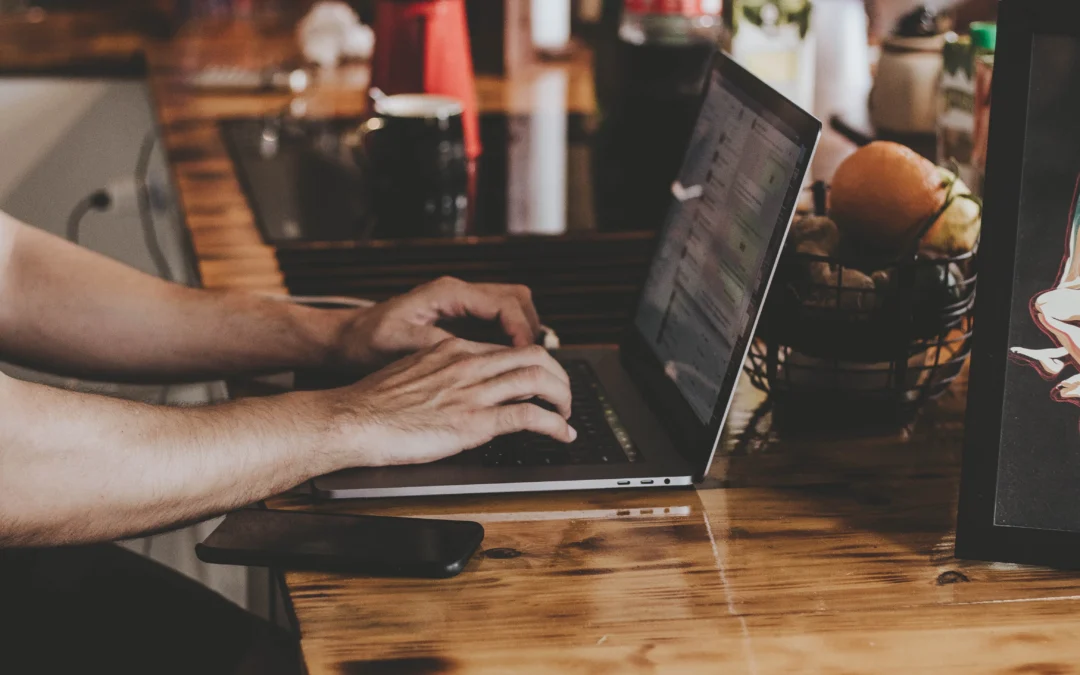
Turn off your phone’s auto-connect setting so it doesn’t quietly connect to open or familiar networks in the background. And if you often work from coffee shops, airports, or other public places, using a reputable Virtual Private Network (VPN) can give you an added layer of security.
Rob Bedley, our Director of Technology Services, shares this important tip:
“You should treat your mobile device just as you would your home computer or laptop. When out in public, keep prying eyes away from your screen, especially if you’re logging into a portal. And remember: if you wouldn’t access something on your laptop or home computer, you shouldn’t do it on your mobile device either.”
Monitor Your Accounts
Most banking and investment apps allow you to set up automatic notifications when there’s activity in your account. These alerts won’t prevent fraud, but they can help you catch suspicious activity sooner. The sooner you act, the better.
When Something Goes Wrong
Contact your financial institution immediately if you suspect your accounts have been compromised. Never call a number found in a suspicious email or text. Instead, use the phone number on the back of your bank card or from their official website.
Wise Stewardship in a Digital World
Faithful stewardship has always meant paying attention to what God has placed in your care, including how you manage it digitally. If you ever have questions about the security of your CDF Capital account, reach out to us directly. We are here to walk with you every step of the way.
Stay alert.
Stay wise.
Stay CyberSmart.